Claude on Mac with Computer Use: A Practical Guide to Delegating Remote Tasks
Claude's Computer Use on Mac lets AI autonomously navigate your desktop. Here's how business leaders can delegate real tasks remotely.
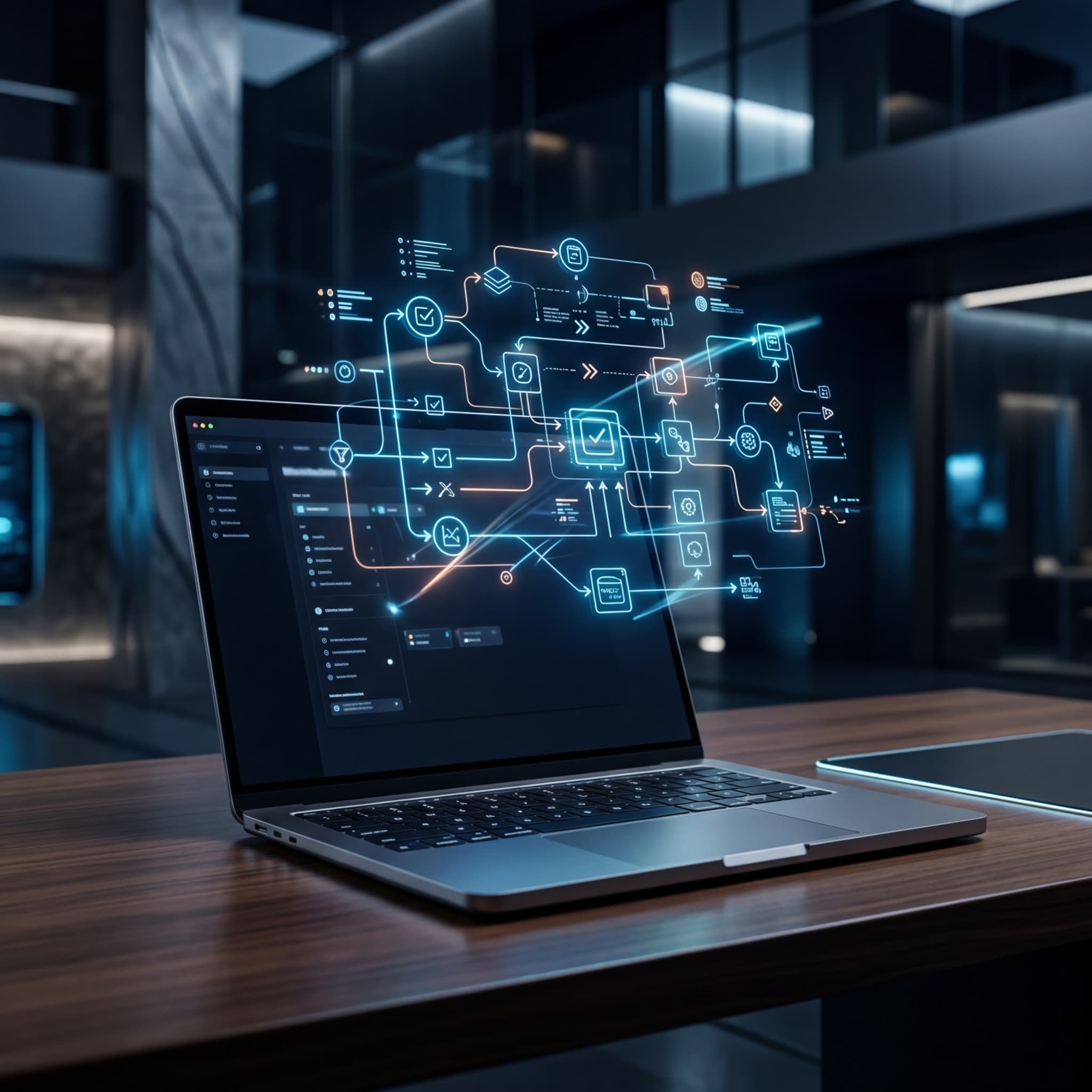
The promise of agentic AI has been circling boardrooms for years. But most of what gets pitched as "autonomous" still requires a human to babysit every step. Claude's Computer Use capability — now increasingly practical on Mac environments — changes that calculus in ways that matter to operations leaders, consultants, and anyone managing distributed teams across time zones.
I've been testing this in real workflows at FM Solutions, and the results are worth sharing — not as hype, but as a frank assessment of what works, what doesn't, and how to build delegation pipelines that actually hold up under business conditions.
What Computer Use Actually Does
Anthropics' Computer Use feature gives Claude the ability to perceive your screen, move a cursor, click buttons, type into fields, and execute multi-step sequences — essentially operating like a remote employee who can see and interact with your Mac's graphical interface without needing API integrations or custom connectors.
This isn't RPA (Robotic Process Automation) in the traditional sense. Legacy RPA tools like UiPath or Automation Anywhere require rigid workflow maps that break the moment a UI changes. Claude adapts. It reads the screen contextually, reasons about what it sees, and decides the next action — much closer to how a human contractor would approach an unfamiliar system.
For business decision-makers, this distinction is critical. You're not scripting a robot. You're delegating to a reasoning agent.
Setting Up Claude Computer Use on Mac
Prerequisites and Environment
To run Claude with Computer Use on Mac, you currently need access through the Anthropic API (Claude 3.5 Sonnet or higher), a controlled execution environment — typically a Docker container or virtual machine to isolate the agent's actions — and a display server configuration that allows Claude to capture screen state.
Anthropic provides reference implementations in their GitHub repository. For production use at FM Solutions, we run isolated macOS-compatible environments where Claude operates with scoped permissions: it can interact with specific applications, but cannot access credentials stores or make network calls outside defined parameters. Security boundaries are non-negotiable — this is especially relevant as AI-driven threats continue to evolve, as highlighted in the IBM 2026 X-Force Threat Index.
Configuring the Delegation Pipeline
The architecture I recommend follows three layers:
Task Definition Layer — Where you write the delegation prompt. Be specific. "Research competitors and compile a report" will produce mediocre results. "Open Safari, go to LinkedIn, search for [competitor name], extract the last five posts, open a new Pages document, and summarize key messaging in bullet points" gives Claude a navigable task map.
Execution Layer — The isolated Mac environment where Claude operates. Keep audit logging enabled. Every screenshot, every click, every action should be logged for review. This isn't paranoia — it's operational governance.
Review Layer — A human checkpoint before outputs leave the environment. Claude is remarkably capable, but it can misinterpret ambiguous UI states or take unexpected paths. Build in a review gate.
Practical Use Cases That Deliver ROI
At FM Solutions, we've deployed Computer Use for three categories of remote task delegation that consistently show ROI:
Administrative research — Pulling data from web-based portals that lack APIs, cross-referencing multiple SaaS dashboards, and compiling structured reports. Tasks that previously took junior analysts 2-3 hours now complete in 20-30 minutes.
Content and document workflows — Drafting, formatting, and organizing documents across productivity suites. Claude handles the repetitive formatting steps that drain skilled workers' time.
Software QA and testing — Running through UI test scripts on Mac applications, capturing screenshots of error states, and logging anomalies. This is particularly valuable for small development teams without dedicated QA staff.
This trajectory aligns with what we're seeing across the industry — from Microsoft's agentic AI solutions for retail to the broader AI survival imperative discussed at the BTG Summit 2026.
The Governance Question You Cannot Skip
Deploying an agent that controls a computer is a fundamentally different risk posture than deploying a chatbot. The agent can take irreversible actions — delete files, submit forms, send messages. Your governance framework must precede your deployment.
Define explicit permission scopes before launching any Computer Use workflow. What applications can Claude access? What actions are prohibited? What triggers a human escalation? These aren't hypothetical questions — they're operational requirements.
As regulatory frameworks evolve — and they are evolving rapidly, as seen with the TRAIGA regulation in Texas — companies that build governance-first agentic workflows will face dramatically lower compliance friction.
The Competitive Window Is Now
The organizations that are learning to delegate effectively to AI agents today — not just prompting chatbots, but genuinely offloading multi-step computer tasks — are building operational advantages that will compound. Computer Use is still early. The rough edges are real. But so is the capability.
For Mac-based teams managing remote operations across Brazil, Italy, or the US, this is a concrete lever for productivity that doesn't require a six-month integration project. It requires clear task definition, disciplined governance, and a willingness to trust — with appropriate guardrails — that the agent can handle the work.
That's the same calculus you apply when hiring a remote contractor. The difference is the scale at which you can now deploy it.
Thinking Machines Lab launches Inkling: 975 billion open-weight parameters
Mira Murati's Thinking Machines Lab launches Inkling, an open-weight MoE model with 975 billion parameters. What changes for Brazilian companies?
Kimi K3: the largest open-weight model ever released has 2.8T parameters
Moonshot released Kimi K3: 2.8 trillion parameters and a 1-million-token context window. What actually changes, and what open-weight really delivers.
Meta Brain2Qwerty v2: when the mind becomes a keyboard with 61% accuracy
Meta decodes brain activity into text with 61% accuracy — no surgery required. What this changes for business, healthcare, and accessibility.